Title here
Summary here
The Date Edit control allows users to select a date from a calendar pop-up.

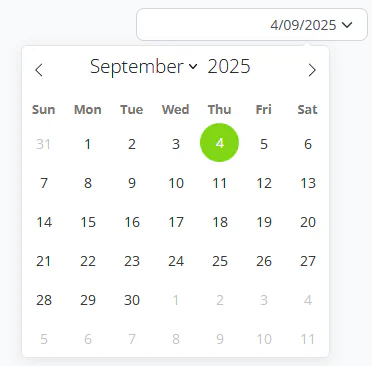
The control displays the currently selected date in a text box. Clicking on the text box opens a calendar pop-up where users can select a date. The currently selected date is highlighted.
Where a date value is optional, the control will display a “Clear” button so that the date value can be removed.

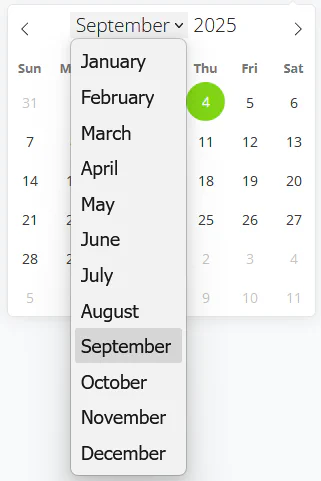
The month, year and arrow elements at the top of the drop-down calendar can be used to quickly navigate to future or past dates.