Title here
Summary here
The Quantity Editor control is used to enter quantity values. Quantity values have a numeric component to represent the amount, and a measurement unit component to represent what type of quantity is being specified.
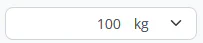
The editor has 2 parts, a Number Edit to enter the numeric component of the quantity, and a drop-down to enter the measurement unit.
When the measurement unit drop down is selected, the control will display the available measurement units. If the field will accept any measurement unit type, the units will be grouped by their type. If the field will only accept one specific unit type, only measurement units of that type will be displayed.
| Any unit type | One unit type |
|---|---|
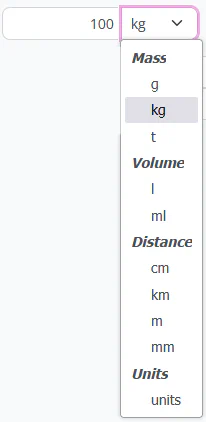 | 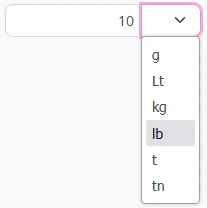 |